Autopick
Turn on autoplay and Atlas picks a stream for you, then starts it, with no picker to dig through. Choose how it weighs your options, and for shows it verifies the exact episode before anything plays.

Atlas hands you the controls: the layout, the playback, and the people who share the TV. It stays quiet while you build your setup.
Turn on autoplay and Atlas picks a stream for you, then starts it, with no picker to dig through. Choose how it weighs your options, and for shows it verifies the exact episode before anything plays.
Hand a title off to Infuse or SenPlayer and your position comes back to Atlas. Continue Watching updates on its own, the next episode is queued up, and backing out without watching never wipes your progress.
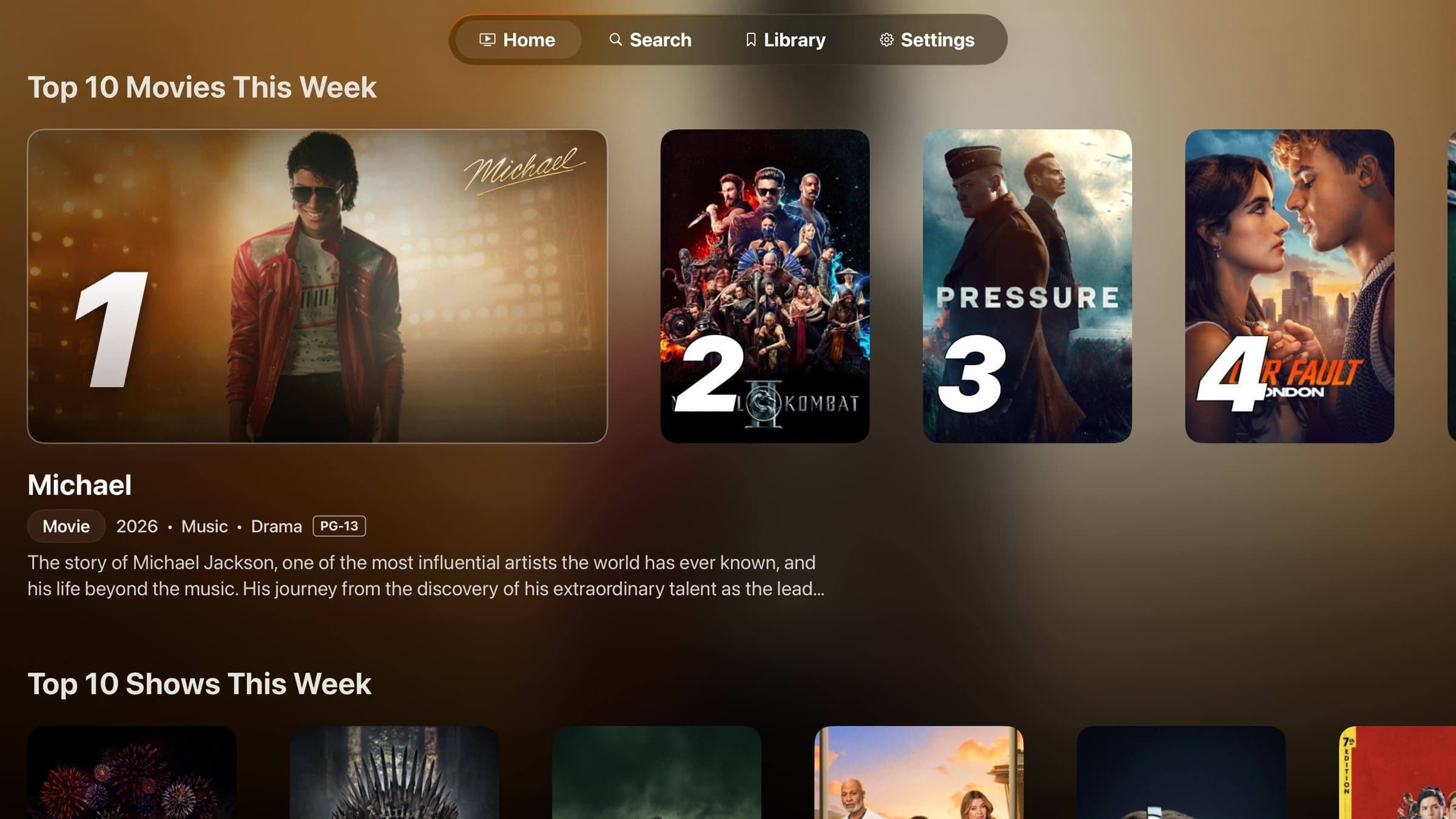
Build dedicated pages with their own hero, artwork, and nested rows, or merge catalogs into one filterable grid. Pick a poster style per row and reorder everything until Home looks like yours.
Share one Apple TV without sharing one layout. Each profile keeps its own Home, progress, and Continue Watching, with a maturity tier per person and an optional PIN for the grown-ups.
Each device keeps its own local setup.
Join the TestFlight, design a Home you actually like, and make it yours.